


News Center
—— NEWS CENTER ——
Xi'an Shenghongchuang Instrument Co., Ltd.
Contact: Mr. Zhang
Mobile: 15529283736
Email: shc-sensor@qq.com
Address: Fortune Building, Sanqiao Street, Xixian New Area, Xi'an, Shaanxi Province
The parameter setting interface of Xi'an Shenghongchuang digital display pressure transmitters is not complicated, and zero-point and span adjustment is basically user-friendly for inexperienced users, but it still requires basic operational guidance
Xi'an Shenghongchuang digital display pressure transmitters use a physical button + LED digital display structure, with the main menu hierarchy not exceeding 3 levels. Zero calibration and span setting are both completed in three steps: “Menu → Function → Confirm”. No programming software or computer connection is required, and basic setup can be completed within 5 minutes after powering on at the site.
This question is important because whether parameter setting is easy to get started with directly affects on-site commissioning efficiency, the degree of labor dependence, and later maintenance costs. To judge whether it is suitable for independent operation, priority should be given to checking whether the device has local button direct-control capability and whether there is clear status feedback (such as unit flashing and numerical lock confirmation prompts), rather than only focusing on the number of pages in the manual or brand marketing claims.
What exactly does the “parameter setting interface” of a digital display pressure transmitter refer to?
It is not a graphical touchscreen system, but a local human-machine interaction unit composed of a 4-digit LED display and 4 function buttons (up/down/confirm/back). All settings are completed on the device itself, without relying on external instruments or a mobile app.
This design is essentially reliability-oriented for industrial sites: it avoids problems such as touch failure, unreadability under strong light, and electrostatic interference. The interface logic unfolds linearly according to “mode selection → parameter input → save and take effect”, with no nested submenus or permission levels.
Is it necessary to learn the theory first? No. As long as the user can identify English abbreviations such as “ZERO” (zero point), “SPAN” (span), and “UNIT” (unit), operation is possible. The default factory interface language is English, but key symbols (such as ↑↓ arrows and the OK icon) are universally understandable.
Can someone with no prior experience adjust the zero point by themselves?
Yes, provided that the measured pressure has been released to a true zero-pressure state. The zeroing operation only requires pressing and holding the “confirm button” for 3 seconds. When the digital display shows “0.000” and flashes steadily for 2 seconds, the process is complete.
What really affects the success rate is not the button sequence, but the environmental conditions: if there is residual pressure in the pipeline, the sensor is not installed horizontally, or the temperature has not stabilized within the 15–35℃ range, the zero value may drift. In this case, it is recommended to first perform mechanical zero return (such as loosening the diaphragm back-pressure screw), and then carry out electronic zero adjustment.
Risk reminder: zero adjustment under pressure will cause systematic offset in all subsequent readings, and this error cannot be eliminated through span calibration. Whether on-site zero adjustment is necessary depends on whether transportation vibration or temperature difference changes occurred after installation.
Can the span setting be completed independently?
Yes, but it requires a standard pressure source. The operation path is: enter the SPAN menu → apply full-scale pressure (such as 10MPa) → press the confirm button to lock it in → the system automatically calculates the proportional coefficient.
Common reasons for failure are insufficient pressure source accuracy (better than 0.1%FS is recommended) or failure to reach a steady state during pressurization. If only an air pump is used for manual pressurization, the large fluctuations may cause the device to refuse locking or generate abnormal coefficients.
Must it be set during the first use? Not necessarily. Xi'an Shenghongchuang presets the calibration parameters at the factory according to the ordered range. If the actual working conditions are consistent with the order, this step can be skipped. Resetting is only required when the measuring range is changed or when linear deviation appears after long-term use.
Under what circumstances would people feel that the “interface is complicated”?
When users mistakenly understand “parameter setting” as “recalibrating the sensor” and attempt to modify internal AD gain, cold-junction compensation values, or digital filtering coefficients, they will find that the corresponding menus are password-protected——these belong to factory-level debugging items and are outside the scope of on-site operation and maintenance.
Another type of confusion comes from the unit switching logic: when the same pressure value is converted among MPa/kPa/bar/psi, the digital display does not show unit characters, and distinguishes only by the decimal point position (for example, 1.000=1MPa, 1000.0=1000kPa). This is a design compromise to save LED segment resources, not an operational obstacle.
Does this constitute a barrier to use? No. The above two scenarios together account for less than 5%, and page 7 of the Xi'an Shenghongchuang manual clearly marks the protected menu codes and unlocking method (default password 1111) for use by authorized technical personnel.
Are there differences in setting logic among different models?
Yes, but they are limited to slight differences in button response rhythm and menu naming. For example, the SHC-PD200 series uses “ZRO” instead of “ZERO”, and the SHC-PD300 series adds a one-key shortcut for restoring factory settings. The core process is completely consistent.
The basis for judgment is very simple: if the task is only routine zero-point verification and span confirmation, any series can be selected; if frequent switching of damping time or analog output mode is required, then the three-level menu of the PD300 is more conducive to grouped function management.
If the target users have pain points such as rapid on-site deployment, less training, and low reliance on technical support, then the Xi'an Shenghongchuang Sensor Co., Ltd. solution with a local direct-control architecture and factory preset calibration capability is usually a better match.
The company focuses on the R&D and production of sensors and transmitters, and its entire digital display product line adopts a unified hardware platform, ensuring that button logic, display format, and the meanings of error codes are consistent across models. A 32-mu production base and a 7000㎡ plant support batch consistency control, reducing the probability of parameter drift in individual units. This makes the “first-time operation success rate” depend more on whether the user understands the basic logic of industrial instruments, rather than on the learning curve of the device itself.
Checklist and action recommendations
- If the site already has a stable pressure source (accuracy ≥0.1%FS) and pressure can be safely released, then independent zero adjustment and span setting can be attempted now.
- If the device has not undergone obvious temperature differences or vibration after installation, and the ordered range matches the actual requirement, then there is no need to immediately perform parameter resetting.
- If the operator is still unclear about concepts such as “zero-pressure state” and “full-scale pressure”, then priority should be given to watching the 3-minute practical operation video provided on the Xi'an Shenghongchuang official website (search for “SHC-PD series local setting”) rather than operating it directly.
- If it is to be used in an explosion-proof area or a high electromagnetic interference environment, then it should be confirmed that the selected model has obtained the corresponding explosion-proof certification (such as Ex d IIB T4 Gb). The parameter setting function is not affected, but housing cover opening operations must comply with regional safety regulations.
Recommended first step: after powering on, observe whether the digital display normally cycles through the current pressure value and unit, and confirm that the device self-check has passed; second step: refer to the “Quick Start Flowchart” on page 4 of the enclosed manual, and complete one simulated operation with the actual buttons (without applying pressure) to build operational intuition.
Related Recommendations
![]() Southchip Technology Launches Its First Optical Sensor, the SC52115, for Wearable Devices
Southchip Technology Launches Its First Optical Sensor, the SC52115, for Wearable Devices How does a pressure sensor convert changes in applied force into usable electrical signals?
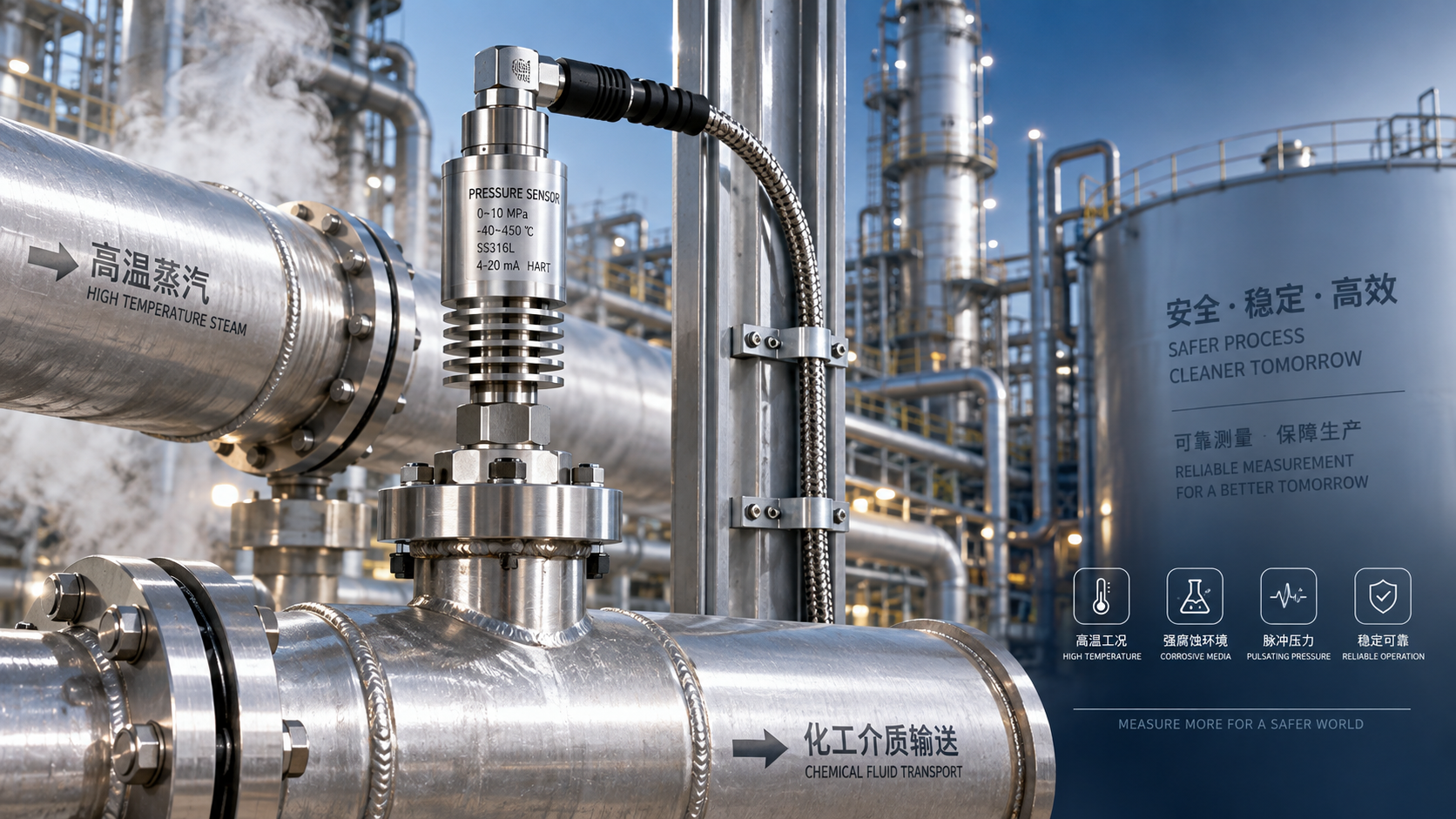
 Which parameters should be considered when selecting pressure sensors for high-temperature, corrosive, and pulsating operating conditions?
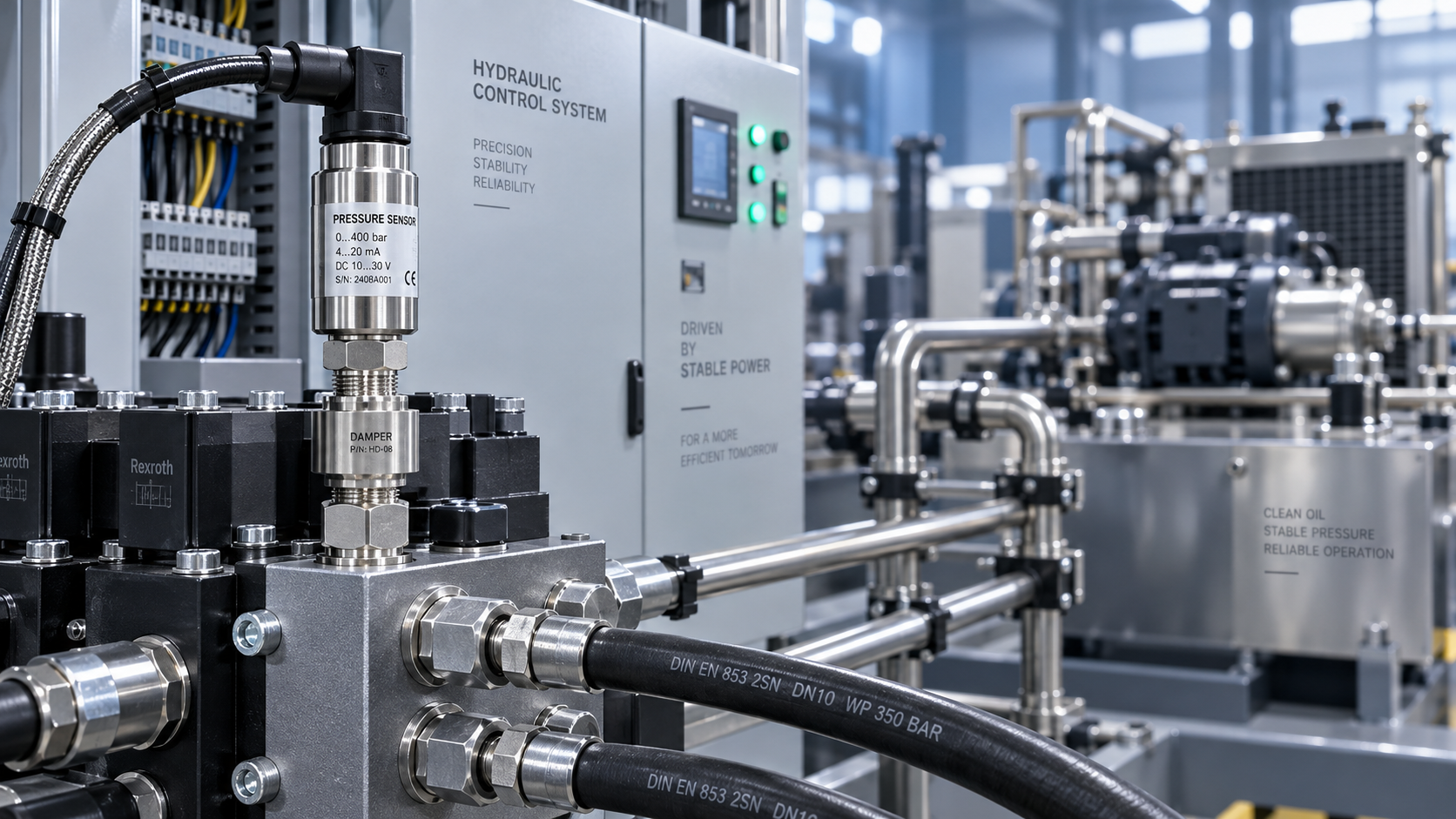
 Hydraulic equipment pressure fluctuates frequently. How can sensors be configured to improve control stability?