


News Center
—— NEWS CENTER ——
Xi'an Shenghongchuang Instrument Co., Ltd.
Contact: Mr. Zhang
Mobile: 15529283736
Email: shc-sensor@qq.com
Address: Fortune Building, Sanqiao Street, Xixian New Area, Xi'an, Shaanxi Province
Introduction
When the PSD-4 digital intelligent pressure controller display is abnormal, how can the fault be troubleshot quickly? As a key component of flow control equipment, the stable operation of the pressure controller directly affects production safety. This article will introduce 4 simple steps in detail to help operators quickly solve display issues of the PSD-4 electronic pressure switch and ensure the normal operation of functions such as NPN relay signal alarm output.
Step 1: Check the power supply and signal connections
Abnormal display of the PSD-4 digital pressure controller is usually related to power supply or signal connection problems. First, check whether the device supply voltage is stable and ensure it is within the rated range(usually 24VDC±10%). Use a multimeter to measure the input voltage. If the voltage fluctuates too much, it may be necessary to equip a regulated power supply.
Second, confirm whether the wiring of the NPN relay signal alarm output is correct. Common wiring issues include reversed polarity, poor contact, or short circuits. For the PNP digital intelligent pressure controller, it is also necessary to check whether the connection between the signal wire and the grounding terminal is secure. If wiring aging or damage is found, it should be replaced in time.
Finally, check whether the communication between the device and the supporting instrument(such as BKS-YKZ104DP40)is normal. If communication is interrupted, it may be caused by signal interference or a loose interface. It is recommended to use shielded cables and re-plug the interface.
Step 2: Calibrate the sensor and display module
If the power supply and connections are normal but the display is still abnormal, the sensor or display module may need calibration. The accuracy grade of the PSD-4 electronic pressure switch is usually 0.5%FS. Before calibration, ensure that the device is in a static environment(without pressure fluctuations).
Refer to the calibration steps in the FPC-400-A-25-000 electronic pressure switch manual:
- Enter the device calibration mode and input the standard pressure value(such as 10Bar);
- Adjust the zero point and full-scale parameters so that the displayed value matches the standard pressure gauge;
- Save the parameters and exit calibration mode.
For models such as DPSN1-01020, attention should also be paid to the temperature compensation settings during the calibration process to avoid environmental temperature affecting accuracy. If the display is still unstable after calibration, the sensor diaphragm may be damaged and the manufacturer needs to be contacted for replacement.
Step 3: Check for environmental interference and mechanical faults
Flow control equipment is often used in complex industrial environments, and electromagnetic interference or mechanical vibration may cause abnormal displays. The following are common sources of interference and solutions:
In addition, check whether the pressure interface is leaking. The O-ring of models such as UZY-621MSO01 is prone to aging after long-term use, and the sealing parts need to be replaced regularly.
Step 4: Check software configuration and firmware version
Abnormal display of the intelligent pressure controller may be related to software configuration. Taking ZSE30A-01-N-L as an example:
- Enter the parameter menu and confirm whether the alarm threshold setting is reasonable;
- Check whether the output signal type(such as 4-20mA or NPN relay)matches;
- Upgrade the firmware to the latest version(some older versions have display BUG).
For models such as AS-102, if garbled characters appear on the display interface, it may be caused by EEPROM data corruption and can be resolved by restoring factory settings. Please back up key parameters before operation.
Summary and professional support
Through the above 4 steps, 80% of PSD-4 digital pressure controller display problems can be resolved quickly. As a high-tech enterprise, Xi'an Shenghongchuang Instrumentation Co., Ltd. provides technical support and spare parts services for the full range of pressure controllers such as GMPC250C and FPC-400-A-1.6-000. If the problem is still unresolved, please contact our engineering team for professional diagnosis.
Call the service hotline now: XXXX-XXXXXXX, or visit the official website to learn more about the working principles and maintenance tips of intelligent pressure controllers.
Related Recommendations
![]() Southchip Technology Launches Its First Optical Sensor, the SC52115, for Wearable Devices
Southchip Technology Launches Its First Optical Sensor, the SC52115, for Wearable Devices How does a pressure sensor convert changes in applied force into usable electrical signals?
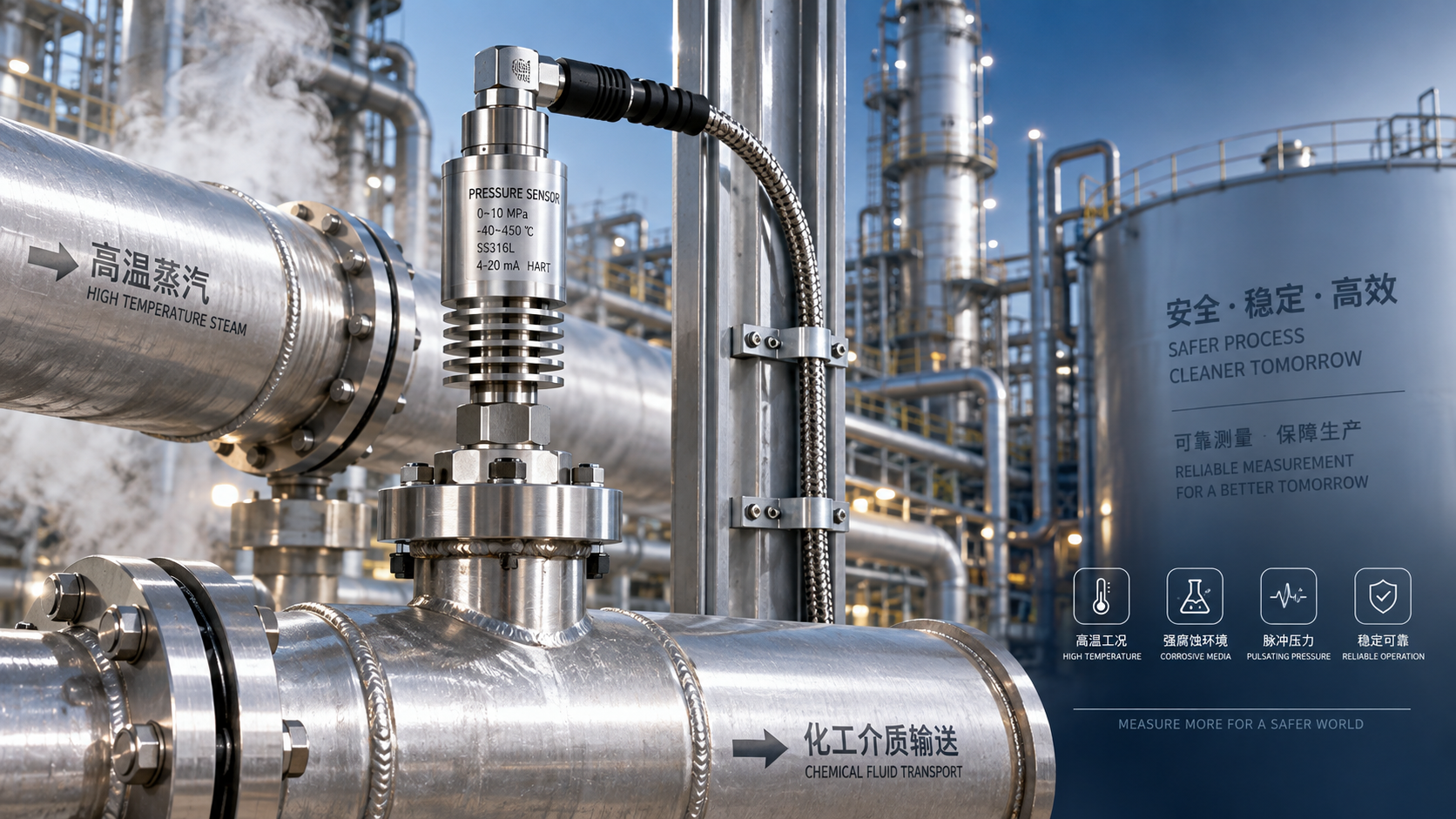
 Which parameters should be considered when selecting pressure sensors for high-temperature, corrosive, and pulsating operating conditions?
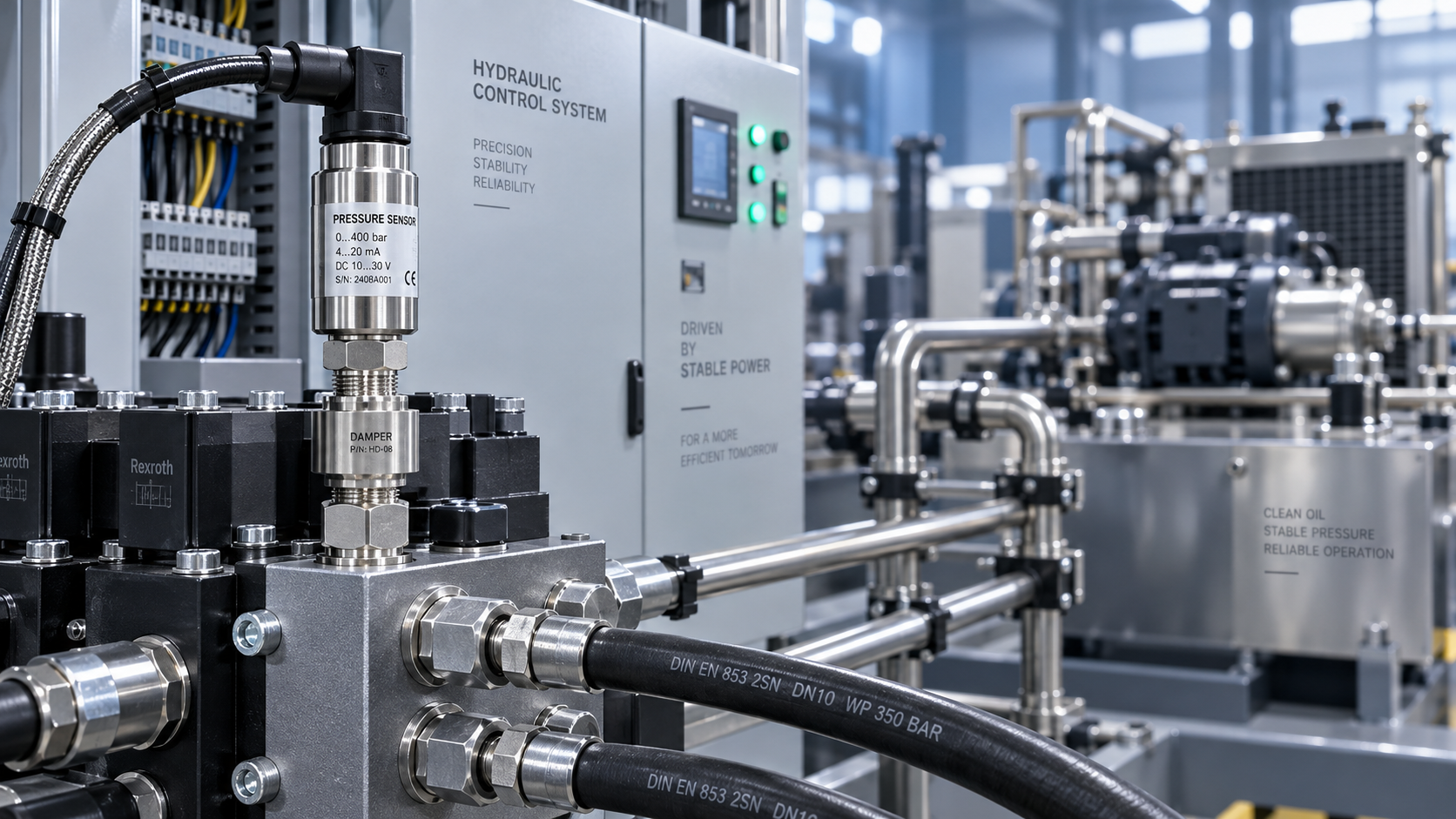
 Hydraulic equipment pressure fluctuates frequently. How can sensors be configured to improve control stability?