


News Center
—— NEWS CENTER ——
Xi'an Shenghongchuang Instrument Co., Ltd.
Contact: Mr. Zhang
Mobile: 15529283736
Email: shc-sensor@qq.com
Address: Fortune Building, Sanqiao Street, Xixian New Area, Xi'an, Shaanxi Province
PI2789 Electronic Pressure Switch User Guide: A Complete Tutorial from Installation to Commissioning
As a professional manufacturer in the field of flow control equipment, Xi'an Shenghongchuang Instrumentation Co., Ltd. brings you a complete user guide for the PI2789 electronic pressure switch. This tutorial will introduce the entire process from installation to commissioning in detail, helping you fully leverage the outstanding performance of this NPN/PNP digital intelligent pressure controller and achieve precise pressure monitoring and relay signal alarm output.
I. PI2789 Electronic Pressure Switch Product Overview
The PI2789 electronic pressure switch is a high-performance intelligent pressure control device. It adopts advanced NPN/PNP relay signal alarm output technology and is widely used in industrial automation, fluid control, and other fields. This product has the following core features:
- High-precision measurement: imported pressure sensor adopted, with accuracy up to ±0.5%FS
- Dual signal output: supports both NPN and PNP relay signal alarm output modes
- Digital display function: equipped with a high-definition LED display screen for real-time pressure value display
- Intelligent control: built-in microprocessor enables multiple control logics
- Rugged and durable: IP65 protection rating, suitable for various harsh industrial environments
Compared with similar products such as PI003A and PI2798, PI2789 offers clear advantages in response speed and control accuracy, making it an ideal choice for flow control systems.
II. Preparations Before Installation
To ensure the normal operation of the PI2789 electronic pressure switch, the following preparations should be completed before installation:
- Environmental inspection: confirm that the installation environment temperature is between -20℃~60℃ and the relative humidity is ≤85%RH
- Accessory preparation: prepare dedicated accessories for the PY9000 series, including mounting brackets, sealing gaskets, etc.
- Tool preparation: prepare suitable installation tools such as wrenches and screwdrivers
- System compatibility check: confirm interface compatibility with supporting equipment such as PY9060
- Safety protection: before installation, ensure that the system pressure has been completely released
Special reminder: be sure to use genuine factory accessories such as PN016A or PN014A to ensure equipment performance and safety.
III. Detailed Installation Steps
3.1 Mechanical Installation
The mechanical installation of the PI2789 electronic pressure switch should follow the steps below:
3.2 Electrical Connection
Electrical connection is a key step in PI2789 installation and requires special attention to the following:
- Power wiring: use a 24VDC regulated power supply, and do not reverse the positive and negative terminals
- Signal output: select NPN or PNP output mode according to requirements
- Grounding treatment: proper equipment grounding is required, and grounding resistance must be ≤4Ω
- Cable selection: shielded cables are recommended, with a length not exceeding 50 meters
IV. Parameter Setting and Commissioning
The parameter settings of the PI2789 electronic pressure switch directly affect its control performance. The commissioning process should be carried out according to the following steps:
- Zero-point calibration: perform zero-point calibration under no-pressure conditions
- Range setting: set the measurement range according to actual requirements
- Alarm value setting: set high and low alarm thresholds
- Output mode selection: determine the NPN or PNP output mode
- Response time adjustment: set an appropriate response time according to system requirements
During commissioning, you may refer to the PG2889 technical performance manual to ensure that all parameter settings are reasonable.
V. Troubleshooting Common Issues
During the use of the PI2789 electronic pressure switch, you may encounter the following common issues:
VI. Maintenance Recommendations
To ensure the long-term stable operation of the PI2789 electronic pressure switch, the following maintenance measures are recommended:
- Regular inspection: inspect the appearance and connection status of the equipment every 3 months
- Cleaning and maintenance: use a dry soft cloth to clean the equipment surface
- Calibration cycle: zero-point calibration is recommended once every 6 months
- Spare parts replacement: use original PG2898 spare parts for replacement
- System inspection: regularly check the operating status of supporting equipment such as PY9001
Summary and Technical Support
As a high-performance intelligent control device, the PI2789 electronic pressure switch requires professional technical support during installation and commissioning. As a professional manufacturer, Xi'an Shenghongchuang Instrumentation Co., Ltd. can provide you with the following services:
- Professional technical consulting
- On-site installation guidance
- System commissioning services
- Regular maintenance
- Original factory accessories supply
If you would like to learn more about how to use the PI2789 electronic pressure switch NPN relay signal alarm output PNP digital intelligent pressure controller, or if you need technical support for supporting instruments such as PI2798 or supporting equipment such as PY9060, please feel free to contact our professional team at any time.
Contact us now: 400-xxx-xxxx | info@example.com
Related Recommendations
![]() Southchip Technology Launches Its First Optical Sensor, the SC52115, for Wearable Devices
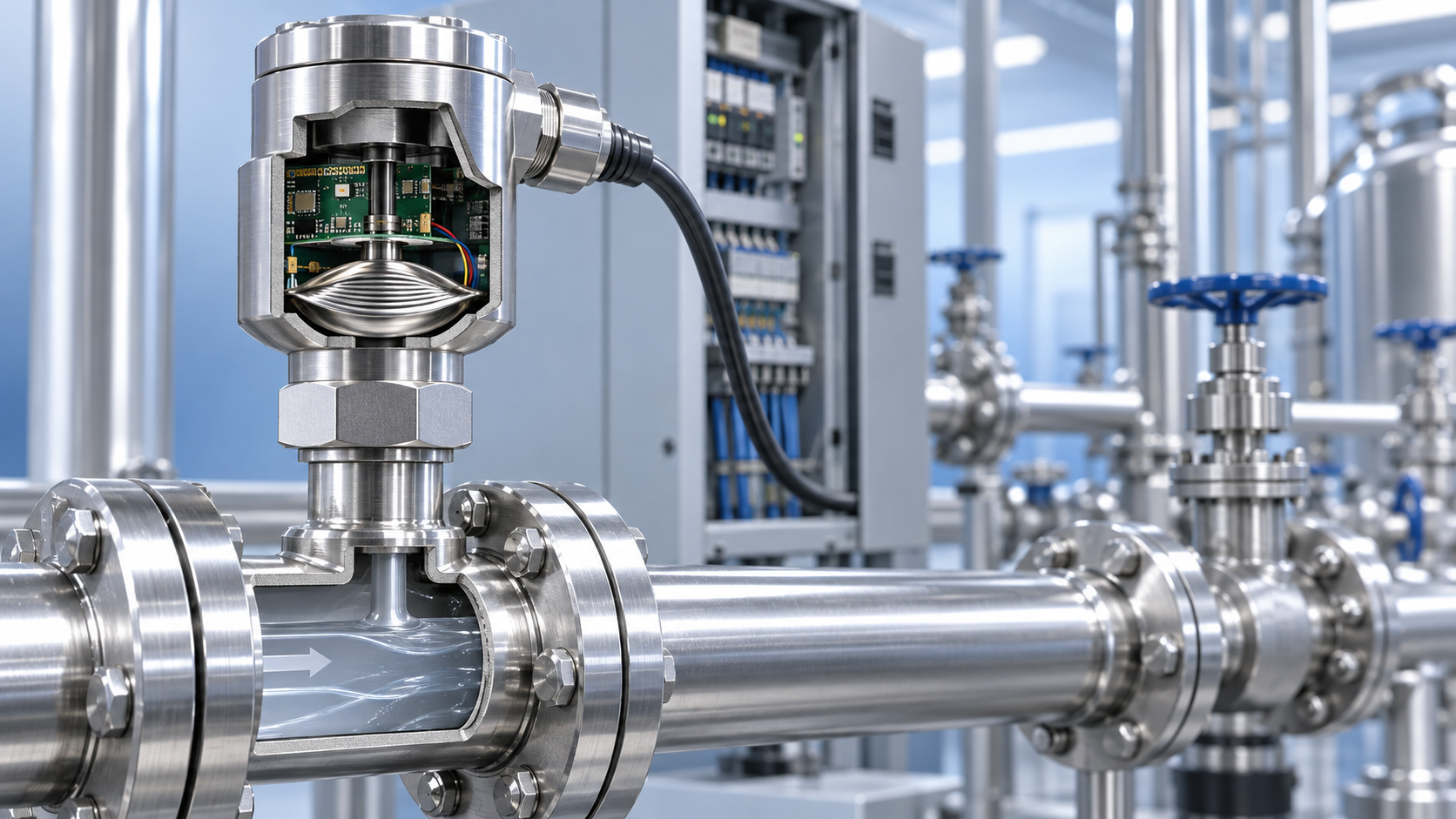
Southchip Technology Launches Its First Optical Sensor, the SC52115, for Wearable Devices How does a pressure sensor convert changes in applied force into usable electrical signals?
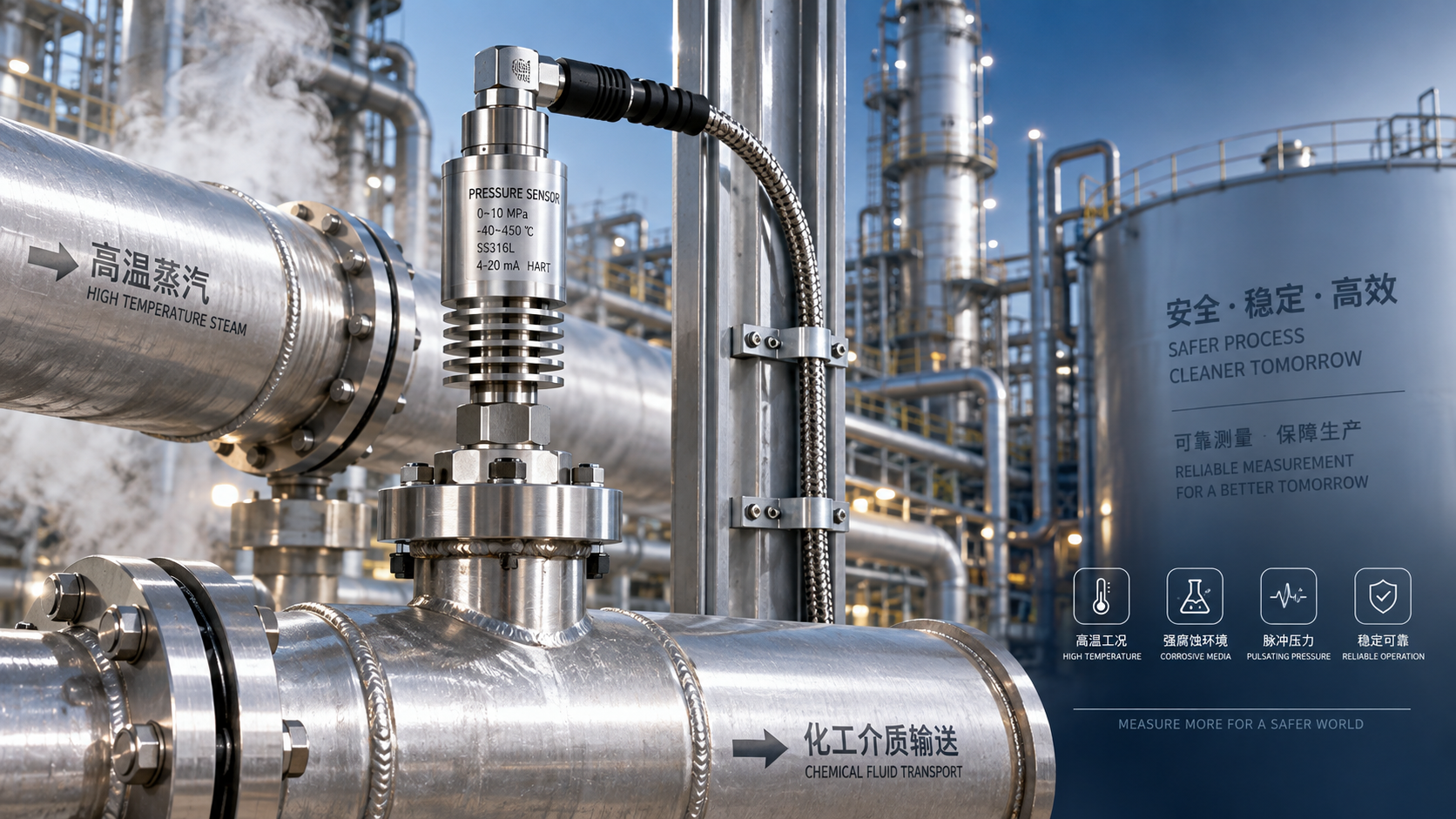
 Which parameters should be considered when selecting pressure sensors for high-temperature, corrosive, and pulsating operating conditions?
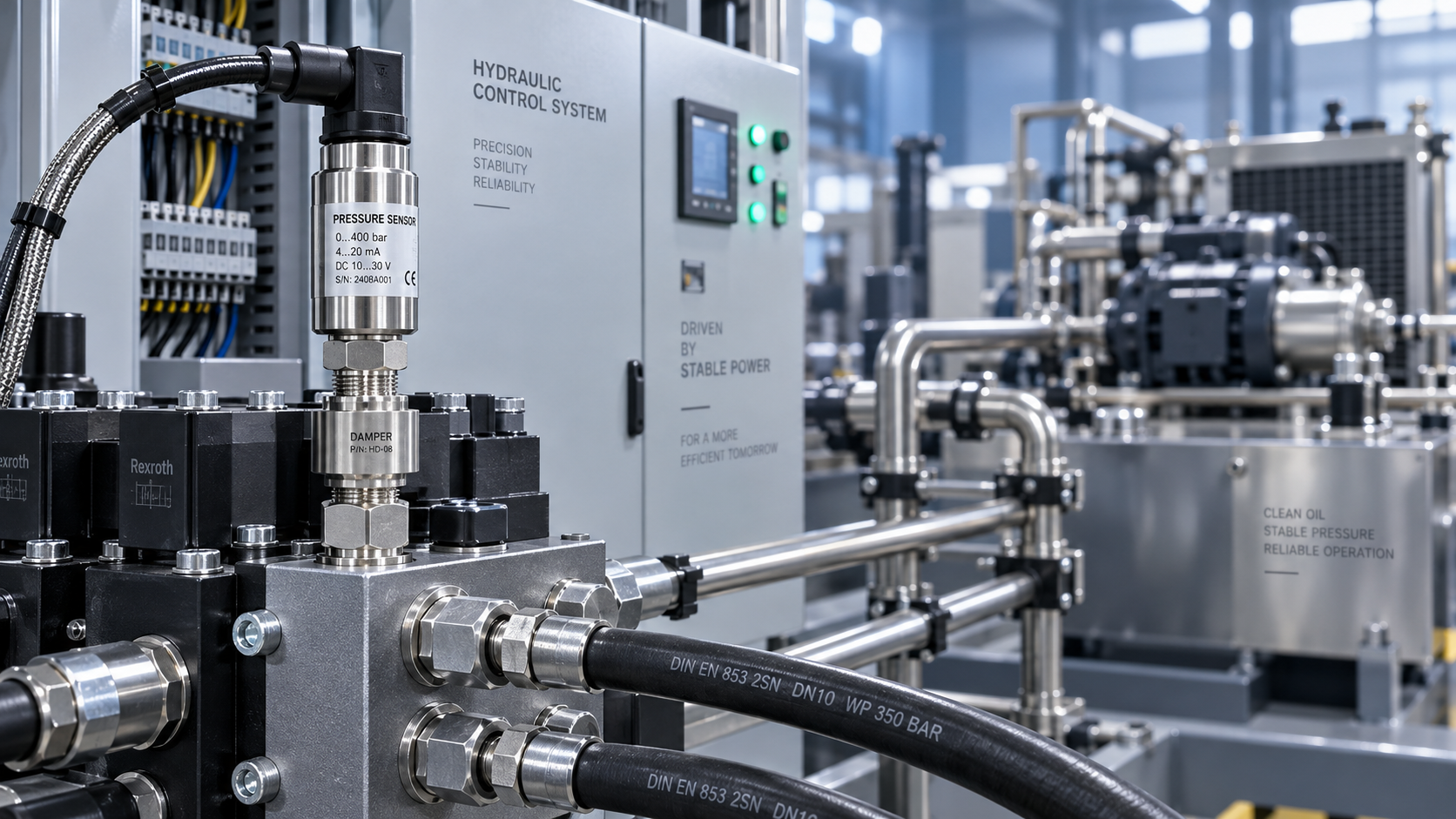
 Hydraulic equipment pressure fluctuates frequently. How can sensors be configured to improve control stability?